TRUE TO ITS NAME – THIS TOOL HELPS YOU STORE YOUR FAVOURITE PRODUCTS. IT ALSO SUPPORTS SORTING FUNCTION SO THAT YOU CAN EASILY FIND THE PRODUCTS THAT FIT YOUR IDEA WHEN YOU NEED MORE REFERENCE AND REVIEW.
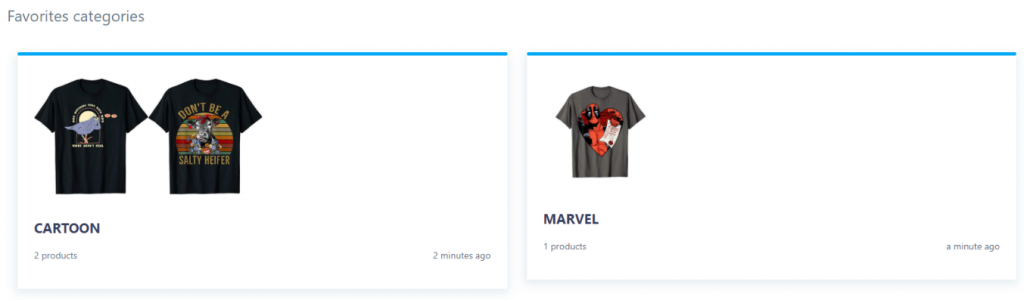
You can put designs in the same group of theme, keyword, or anything seemed relevant to you. Especially, you can also use this tool to work in groups, allowing members to access the same topic and develop different shirt designs.
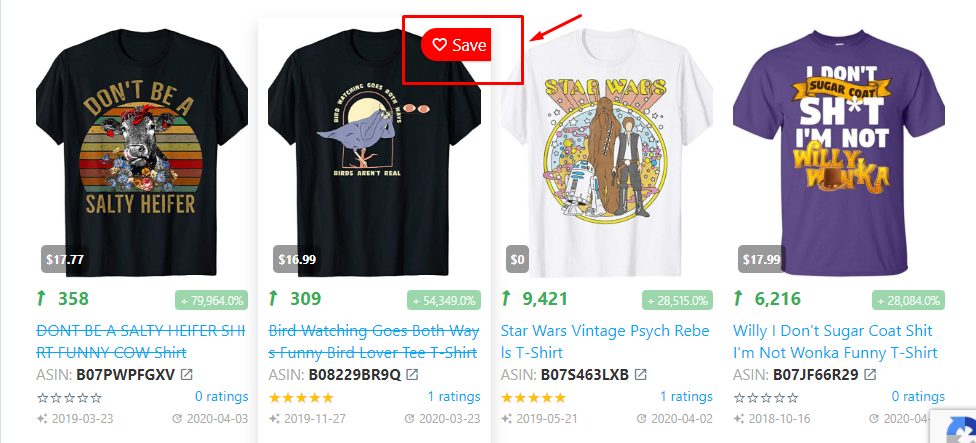
How to add a product to your Favorites is also simple. Next to every design is a heart icon which appears when you point to the design. Click on the heart and the design will be saved to your Favorites.
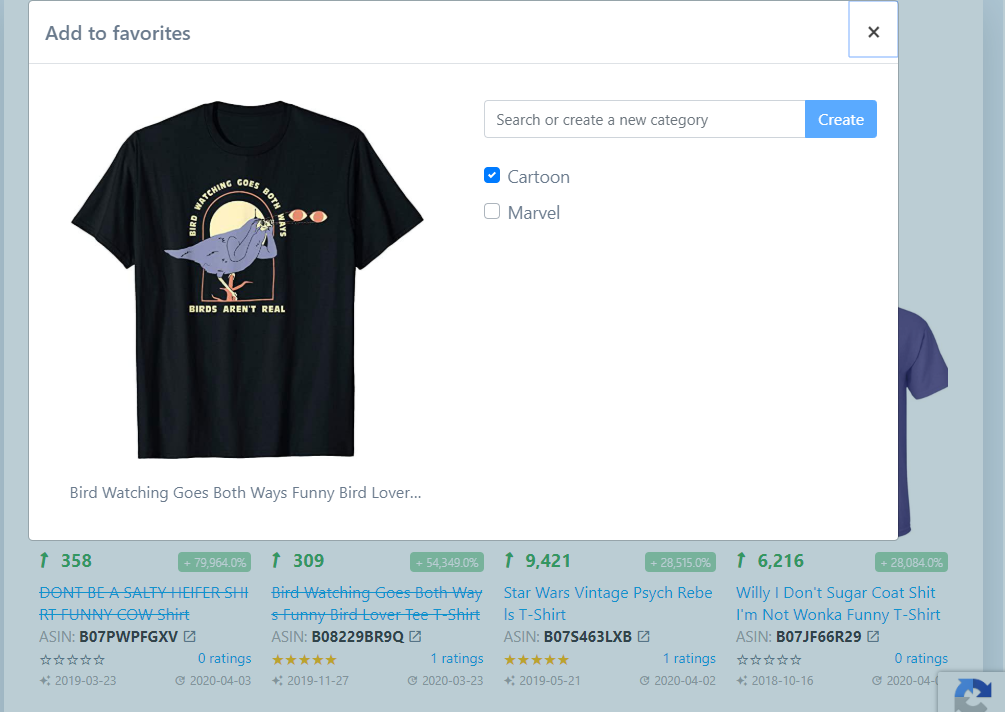
After clicking on the icon, it will display as follows. You can create new albums to categorize designs or add it to created albums as shown illustrations. Such sorting will save you time in the search process, making your creative work a lot easier.